Squoosh vs PixSip: A 20-Image Browser Workflow Test
A reproducible comparison of the actions needed to compress and collect 20 images with Squoosh and PixSip, including the limits of the test.
Squoosh and PixSip both run image codecs inside the browser, but they optimize for different jobs. Squoosh gives one image detailed encoder controls; PixSip applies one calibrated choice to a batch. For a 20-image job, that difference changes the workflow more than the codec does.
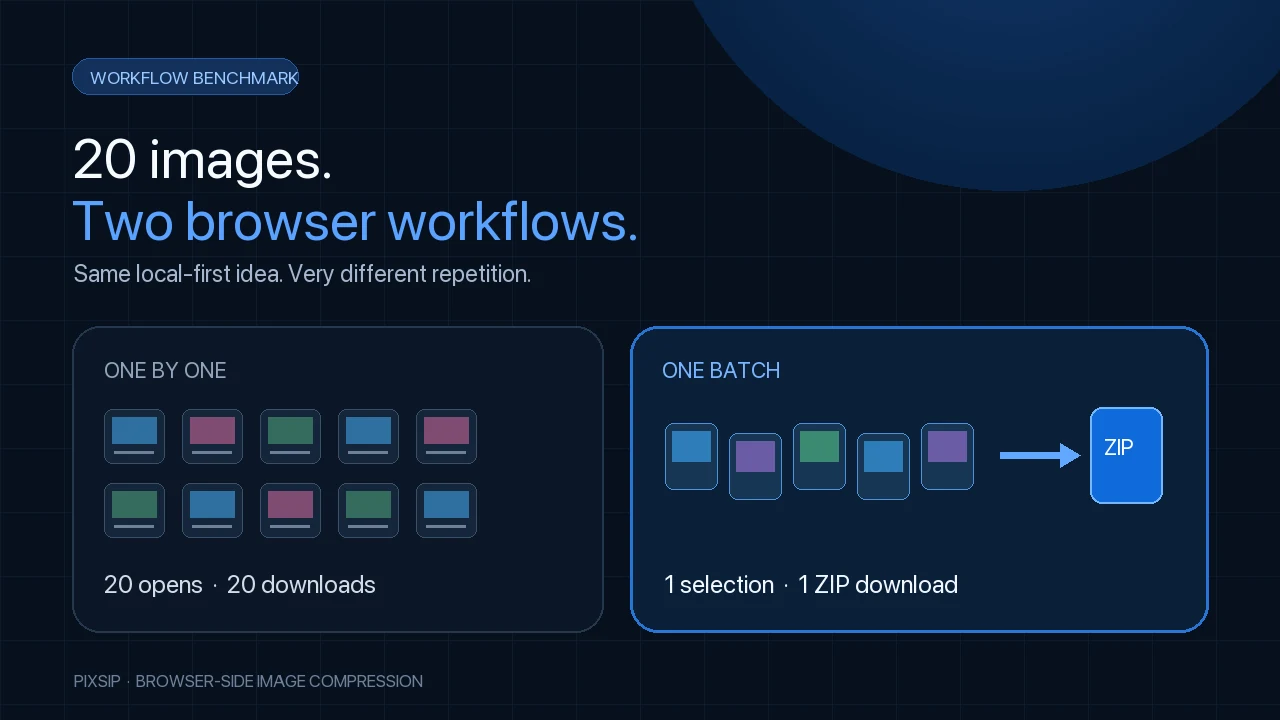
Result: Squoosh requires 20 file-selection rounds and 20 individual result downloads. PixSip Free accepts the same 20 files in one selection and collects the results in one locally generated ZIP. This is an interaction benchmark, not a claim that PixSip makes the same codec produce smaller bytes.
Verified October 9, 2026. PixSip is independent and is not affiliated with, endorsed by or sponsored by Google or the Squoosh project.
What we tested
The job is intentionally ordinary:
- Start with 20 web images whose input formats can be opened by both tools.
- Apply one consistent compression choice to the whole set.
- Collect every finished image for the next step in a publishing workflow.
- Count file-selection rounds and download actions.
We do not rank elapsed encoding time. Both tools run on the visitor's CPU, and a change in image dimensions, codec, quality, browser or hardware can outweigh any interface difference. A responsible speed benchmark would need fixed source files, codec settings and hardware; this test answers the narrower and more durable question: how much repetitive browser work does the batch require?
Results
| Measured workflow step | Squoosh web app | PixSip Free |
|---|---|---|
| File-selection rounds | 20 | 1 |
| Images compressed | 20, one after another | 20, in one queue |
| Result downloads | 20 individual downloads | 1 ZIP download |
| Shared settings | Reapply per image | Choose once for the batch |
| Loose result files to organize | 20 | 0; one ZIP contains all results |
The basis for the first column is not an assumption hidden in the test: Squoosh's official FAQ answers “Can I process multiple images at the same time?” with “Not yet.” The official Squoosh repository also describes local browser processing, which both products share.
What the table leaves out
Squoosh is better at detailed single-image tuning. Its two output panes expose codec-specific controls and make it easy to compare two configurations visually. If you are preparing one hero image and want to adjust chroma subsampling, effort or another advanced option, that control is useful—not clutter.
PixSip deliberately trades those controls for one benchmarked quality preset. The preset can be applied to 20 images free, mixed JPG, PNG, WebP, AVIF and HEIC inputs can share a queue, and the browser can produce several selected output formats for every file. HEIC decoding and ZIP creation also happen locally.
Why we did not compare “compression power”
PixSip uses MozJPEG, libwebp, OxiPNG, libavif and libjxl. Those open-source codec families are also used by Squoosh. Different settings can still produce different sizes, but a headline such as “PixSip compresses better than Squoosh” would mostly compare settings rather than products.
The honest distinction is around the codec:
- Squoosh: more control over one image.
- PixSip: less repetition across many images.
That is also why the PixSip compression benchmark publishes byte savings from PixSip's own fixed pipeline instead of presenting an apples-to-oranges Squoosh size contest.
Reproduce the workflow
Open Squoosh and PixSip's batch compressor in separate tabs. Use 20 non-sensitive test images, keep the output format consistent, and count file-open and download actions. No account is required for either web workflow.
For the feature-by-feature comparison—including HEIC, multi-format export and automatic 100 KB targeting—see the Squoosh alternative page. To understand the implementation, read how PixSip runs the codecs in Web Workers.