Privacy by Default: Why PixSip Compresses Images in Your Browser
Every "free online compressor" wants you to upload your photos first. PixSip does the opposite: up to 20 images per batch, compressed on your device — here is why that matters more than you think.
Most online image compressors are really upload services with a compression step bolted on. You drag a photo in, it travels to someone's server, gets squeezed, and travels back. The tool is "free" because your files — and your usage patterns — are the product.
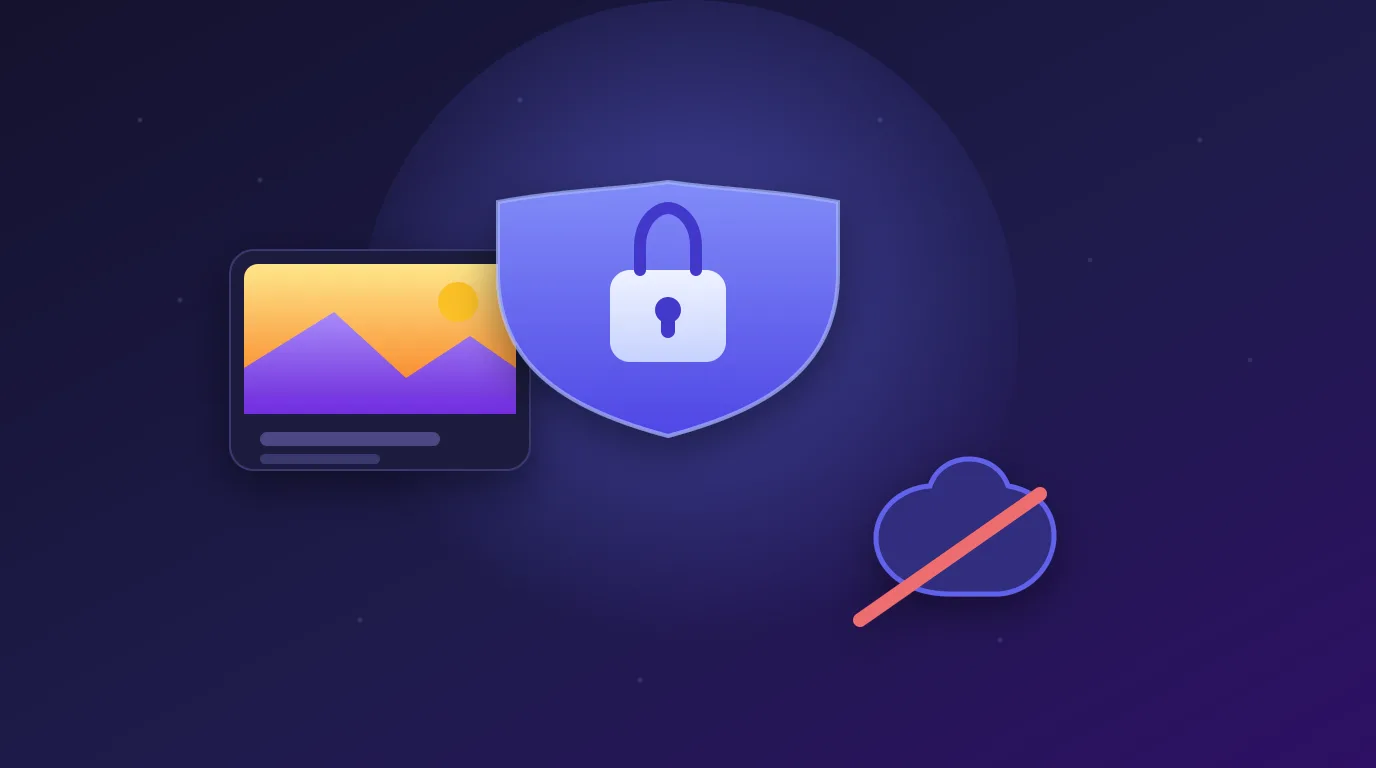
PixSip inverts that deal: up to 20 images per batch are compressed entirely in your browser, and your files never leave your device.
The three problems with server-side compression
1. Your files are somebody else's business
A server-side tool necessarily receives your images. That includes photos you might not want on a stranger's infrastructure: screenshots of dashboards, scans of contracts, unreleased product shots, or a picture of your kid. Read the privacy policy of any upload-based tool and you will usually find the files are stored, scanned, or used to train systems — or at minimum retained long enough to be a liability in a breach.
With PixSip there is no server to breach, because there is no upload. The only copy of your image is the one already on your machine.
2. Uploading is the slowest part
A 15 MB photo on a slow connection means waiting for 15 MB to go up before compression even starts, then waiting for the result to come back down. On a browser-side tool the file is already local: compression starts immediately and the output is a blob in memory. No queue, no "your file is being processed", no progress bar for a trip your file never needed to take.
3. Free stops being free
Server-side processing costs the operator real money — bandwidth, CPU, storage — so free tiers get capped, throttled, or quietly switched to paid. A browser-side tool has almost no marginal cost per user, which is exactly why PixSip can be genuinely free: no account, no watermark, no daily quota wall.
What you keep, and what you gain
- Privacy — files are processed locally and never transmitted.
- Speed — no upload/download round trip; batch of 20 compresses in seconds.
- Predictability — the same encoders every time: MozJPEG for JPG and HEIC, libwebp for WebP, OxiPNG for PNG.
- Cost — free, no signup, no limits.
Try it yourself
Go to the PixSip homepage, drop in a photo, and open your browser's network tab. You will see requests for page assets — and no upload of your image, because there isn't one.
The trade-off we accepted
Browser-side compression means the encoders run as WebAssembly in your tab, so a very large batch uses your CPU instead of a server's. We think that is a fair trade: modern devices handle it easily, and you keep ownership of your files. Privacy should be the default, not an upsell.
Keep reading: How PixSip compresses images explains the encoder pipeline, and the image format guide shows when JPG, PNG, WebP, AVIF or JPEG XL wins. Ready to try? Compress JPG, convert HEIC to JPG or convert to WebP.