TinyPNG Alternatives: Browser-Side Compression Without the Upload
TinyPNG is the default, not the ceiling. Here is how PixSip compares on price, limits and privacy - and why browser-side compression exists at all.
TinyPNG became the default answer to "how do I make this image smaller", and it earned that spot: good quality, a friendly interface, and a generous free tier of 500 images a month. But it is not the only answer, and its design comes with two trade-offs worth knowing before you commit: your images travel to someone's server, and the free tier caps each file at 5 MB.
PixSip takes the opposite approach: the same class of encoders, running on your machine instead of theirs. Here is the honest comparison.
The numbers side by side
| PixSip (Free) | TinyPNG (Free) | TinyPNG Web ($39/yr) | |
|---|---|---|---|
| Where images are processed | Your browser | Their servers | Their servers |
| Images per batch | 20 | 20 | Unlimited |
| Max size per image | 10 MB | 5 MB | 75 MB |
| Watermark | None | None | None |
| Input formats | JPG, PNG, WebP, AVIF, HEIC | JPG, PNG, WebP, AVIF | JPG, PNG, WebP, AVIF |
| Offline after page load | Yes | No | No |
PixSip's paid tiers are Pro at $19/year and Ultra at $39/year — priced for people who compress images daily rather than once a quarter.
The trade-off nobody puts on the pricing page
TinyPNG is an upload service first and a compressor second. Their own terms state that uploaded images are temporarily stored and deleted within 48 hours. That is a reasonable policy, but it is still 48 hours of your files sitting on infrastructure you do not control.
With a browser-side tool there is nothing to promise and nothing to delete, because nothing was ever received. Turn off Wi-Fi after the page loads and the compressor keeps working — that is the test you cannot fake.
Quality: the benchmark, not the vibes
"Browser-side" used to mean "worse encoders". That changed when WebAssembly let MozJPEG, libwebp and OxiPNG — the same open-source codecs Squoosh uses — run at full speed in a tab. PixSip runs them at one quality calibrated against TinyPNG's output: on a 20-image test our files matched or beat TinyPNG's size on 18 of 20, at comparable visual quality.
What TinyPNG still does better
Be honest about this: TinyPNG has plugins for WordPress, Photoshop and an API that drops into any pipeline. If you are already paying for those integrations, switching costs real time. And 500 free images a month is plenty for light use.
Where PixSip wins is the shape of the work: 10 MB files instead of 5, HEIC input (TinyPNG cannot open iPhone photos without converting them first), ZIP batch download, and conversion to AVIF, JPEG XL, WebP, JPG or PNG side by side.
The verdict
- Occasional single images, already on TinyPNG → stay put.
- iPhone photos, big files, or batches where privacy matters → try PixSip's compressor.
- Curious how the encoders compare in detail → the image format guide and how PixSip compresses.
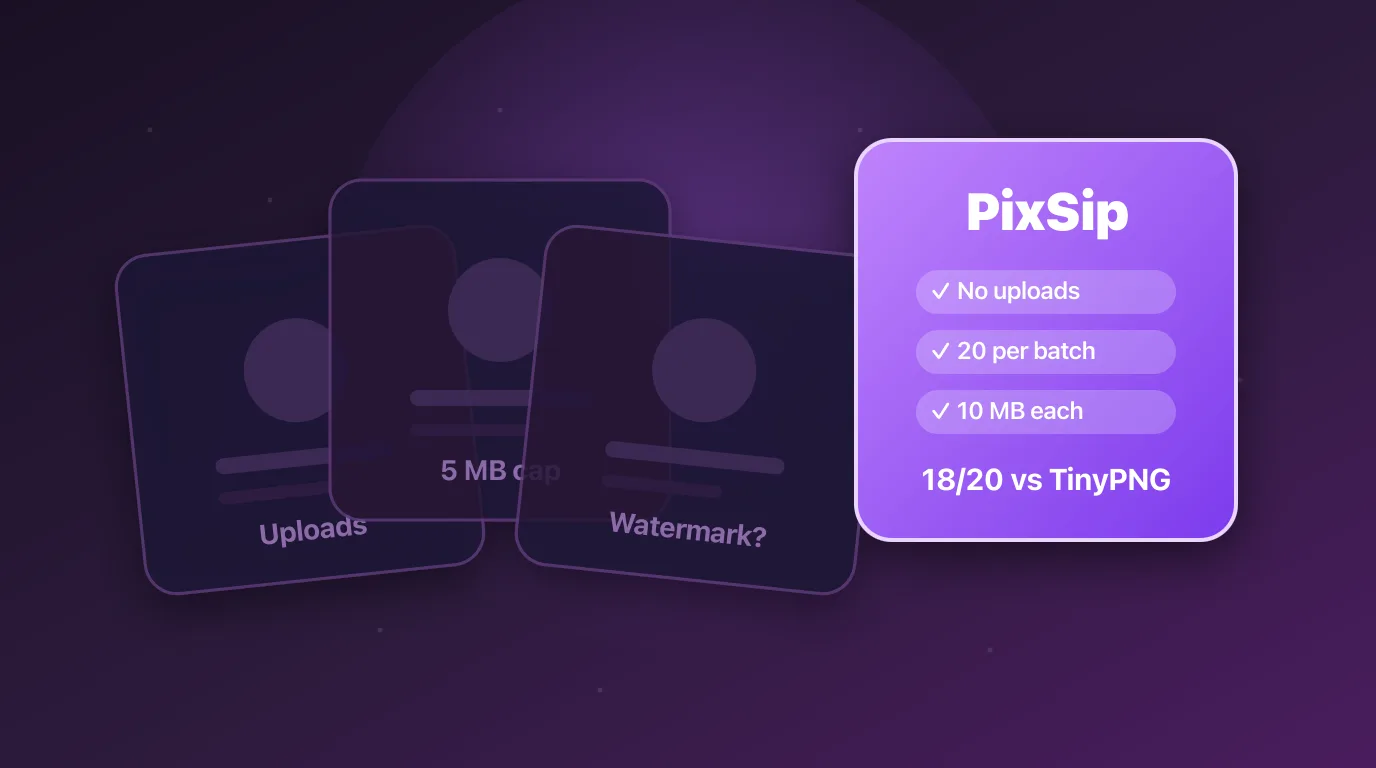
The right tool depends on whether you would rather upload your images or keep them. At least now the choice is visible.
Try it yourself: compress JPG, convert HEIC to JPG, convert to WebP.